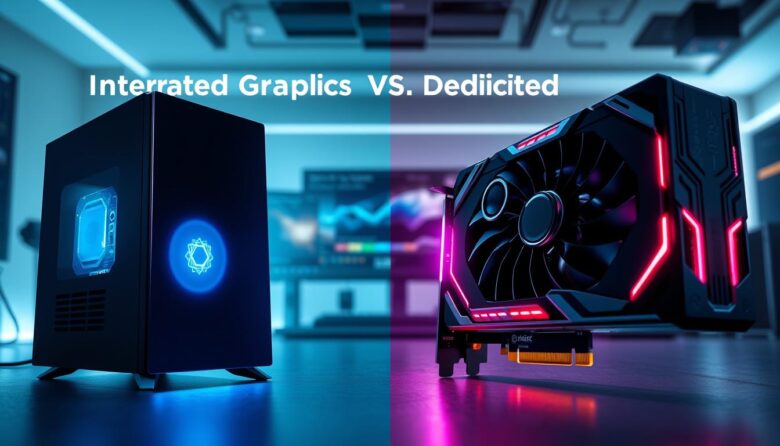
I often find that choosing between an integrated option and a separate card is one of the most confusing terms for a new computer buyer. I wrote this short guide to cut through the jargon and help you decide what fits your needs.
I will break down the core differences between an integrated graphics solution and a dedicated graphics card so you can compare price, power, and real-world performance.
Whether you use a laptop for work, stream video, or enjoy gaming, understanding how your CPU and GPU share processing tells you what to expect from your machine.
I’ll also show how different cards handle video editing and play tests, so you can weigh cost against value. By the end, you should feel confident deciding if a separate card is worth the upgrade for your computer or laptop.
Key Takeaways
- I’ll explain how CPU and GPU work together to affect performance.
- You’ll learn when a dedicated option justifies the higher price.
- Gaming and video tasks often benefit most from extra processing power.
- Laptops vary, so match the card choice to your typical use.
- This guide will help you compare real-world results, not just specs.
Understanding the Basics of Graphics Processing
Think of your computer’s visual output as a pipeline where the CPU sends instructions and the GPU paints each frame. I explain these simple terms so you can judge your system’s performance.
How GPUs Render Images
A graphics processing unit, or GPU, is a specialized processing unit that translates electrical impulses into commands for your display. It handles pixel math, texture mapping, and 3D transforms.
- The GPU sits on a card inside many desktop computers, or inside chips in laptops.
- When you move the mouse or play video, the card converts data into visible frames.
- For gaming and 3D work, the GPU does the heavy rendering quickly to keep motion smooth.
The Relationship Between CPU and GPU
Your CPU performs general tasks and prepares the data the GPU needs. Then the gpu executes those commands to produce images.
“Most users don’t realize their card is constantly working to render every pixel on the screen.”
This teamwork defines overall system speed. I often point out that understanding CPU and gpu communication is key when you evaluate a laptop or desktop for better performance.
How Integrated vs Dedicated Graphics Differ
I find that the biggest practical gap is how each design uses power and where the work happens.
An integrated graphics card like Intel Iris Xe sits inside the CPU and shares system memory. That saves space and power, so it’s ideal for basic video playback, office work, and light photo edits.
By contrast, a separate card such as an NVIDIA GeForce RTX or AMD Radeon RX has its own memory and cooling. That extra hardware delivers higher frame rates for gaming and faster rendering for video work.
Many laptops include discrete cards to balance thin designs with better performance. Keep in mind an integrated gpu is not user‑replaceable on most laptops, while some desktop cards can be swapped later.
- Shared memory and lower power draw make on‑chip solutions efficient.
- Standalone cards supply more raw processing for demanding tasks.
- Consider upgradeability and your typical workloads before choosing.
| Feature | Built‑in Video Processor | Separate Video Card |
|---|---|---|
| Example | Intel Iris Xe | NVIDIA GeForce RTX / AMD Radeon RX |
| Memory | Shares system RAM | Own VRAM (faster for textures) |
| Power & Heat | Lower power, less heat | Higher power, needs cooling |
| Upgradeability | Usually fixed | Often replaceable in desktops |
| Best for | Everyday use, video streaming | High‑end gaming, video editing |
The Role of the Central Processing Unit
The CPU is the command center that organizes tasks and hands off complex visuals to your display engine.
I often tell people the central processing unit, or CPU, manages all data before it reaches the gpu. That coordination keeps your computer responsive when you switch apps or load a game.
When a system uses integrated graphics, the CPU and graphics share the same processing unit. That setup saves space and power but can limit total processing power for demanding work.
If the cpu is underpowered, even a capable visual module will struggle to maintain smooth performance. The CPU still does much of the heavy lifting: physics, AI, and scene prep.
- CPU schedules and sends data for rendering.
- Shared resources can create a bottleneck under load.
- Better CPU efficiency improves how an integrated gpu handles modern software.
“Ultimately, the synergy between your CPU and your graphics solution determines overall speed and reliability.”
So choose a balanced CPU for your needs. Good pairing between processor and visual unit matters more than chasing raw specs alone.
Performance Capabilities for Modern Gaming
Modern games push pixel counts and lighting calculations so hard that many systems need extra visual horsepower to keep frame rates playable.
Ray Tracing and Visual Fidelity
For serious gaming, a dedicated graphics card is the clear choice. I find that high‑end cards handle ray tracing and advanced post‑processing without choking frame rates.
Ray tracing simulates real light and reflections. It taxes the gpu far more than standard rendering techniques.
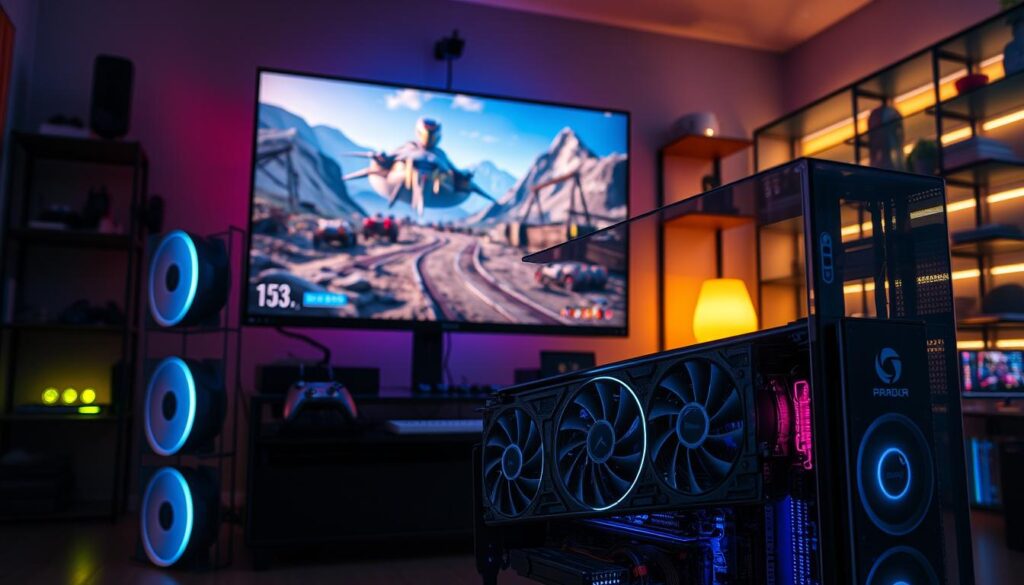
On a laptop or desktop with a powerful dedicated gpu, you get higher frame rates and richer visuals. That frees the cpu to run game logic and AI. The result is smoother gameplay and better responsiveness.
When you test AAA titles, the gap between integrated and standalone solutions becomes obvious. If ray tracing matters to you, invest in one of the modern dedicated graphics cards or discrete graphics setups.
“Offloading complex rendering to a dedicated card keeps your system playable and future‑proof.”
- Better processing power for textures and shaders.
- Higher sustained performance under long play sessions.
- More headroom for settings like shadows, reflections, and ray tracing.
Professional Workflows and Content Creation
For video editors and 3D artists, the visual pipeline must be fast and reliable to stay productive.
Professional video editing requires a dedicated graphics card to handle intense rendering and high‑resolution footage. I’ve seen Adobe Premiere Pro and DaVinci Resolve run far smoother when a capable card or gpu is present.
When you edit 4K video, timeline playback and scrubbing benefit immediately from extra processing. That responsiveness keeps review cycles short and your focus on creative choices.
- I recommend prioritizing a robust dedicated graphics solution if you work in video editing or 3D design.
- While on‑chip options handle light tasks, they lack the power for complex renders.
- Using dedicated graphics cards cuts export times and speeds effects previews, which matters for deadlines.
“For content creators, investing in the right card is one of the smartest moves you can make.”
Power Consumption and Battery Life Considerations
If you travel often, the way a laptop uses its visual processor will decide how long the battery lasts each day.
A dedicated graphics card draws far more power than an integrated graphics card, and that difference shows up quickly in battery life. I often tell readers that if long runtime is your top priority, choose a laptop built around an efficient on‑chip solution.
Separate cards need extra cooling and steady power. That makes the laptop warmer and shortens battery life during gaming or heavy work.
I’ve noticed many modern laptops use an integrated gpu for email and browsing, then switch to a dedicated graphics option for intense gaming. This hybrid approach gives good life and bursts of performance when you need it.
“Understanding the trade‑off between performance and power is key to picking the right machine for your lifestyle.”
- Choose integrated graphics cards for long battery life and light use.
- Expect higher heat and shorter runtime with a dedicated graphics card during heavy tasks.
- Lowering settings and enabling power modes can extend battery when using a powerful card.
| Aspect | Integrated Option | Separate Card |
|---|---|---|
| Power draw | Low | High |
| Battery life | Longer | Shorter under load |
| Cooling needs | Minimal | Robust fans/heatsinks |
| Best use | Office, media, travel | Gaming, heavy editing |
Thermal Management and Cooling Requirements
Good cooling turns peak clock speed into steady, repeatable performance. A powerful graphics card generates a lot of heat, and you need proper thermal design to avoid throttling.
I’ve seen laptops with larger fans and layered cooling components run hours-long sessions without dropping frames. The more power a card draws, the more cooling it needs to stay stable.
If vents are blocked or the cooling components are weak, the gpu will reduce clocks to protect itself. That decline directly hurts performance and shortens usable bursts of speed.
- Keep vents clear: I always recommend unobstructed air paths for peak results.
- Check cooling design: Fans, heat pipes, and thermal pads matter when comparing cards and laptops.
- Expect trade-offs: Better cooling often adds weight and thickness, so factor that into your choice.
“Effective thermal management is the unsung hero of a stable system.”
The Reality of Hardware Upgradability
Upgrading a laptop’s visual module later is rarely an option, so choose carefully at purchase.
Most laptop makers solder the graphics card to the motherboard. That means the card you buy is usually the card you’ll keep for the life of the machine.
Many users assume they can swap an on‑chip solution for a separate card later. In practice, that is almost never possible in thin and mid‑range laptops.
I always tell readers: if you expect heavier work down the line, buy a dedicated graphics card or a system that already has one. It saves headaches later.
“Because you cannot upgrade your graphics card on most laptops, it’s better to over‑spec your machine now than to run into limits later.”
- Plan for the software you’ll run in two to five years.
- Factor in power needs and cooling when choosing a card at purchase.
- Budgeting around upgradability prevents surprises and wasted time.
Budgeting for Your Next Computer
Decide early if you need extra visual horsepower or if basic display performance will suffice.
When you set a budget, think about daily tasks first. If you mainly browse, stream, or work in office apps, a lower price point with an on‑chip option will save money and extend battery life on a laptop.
If you plan to spend hours gaming or edit video, adding a dedicated graphics card raises the cost. Laptops with a discrete card cost more because of added cooling, separate memory, and higher power demands.
I recommend listing priorities: how often you game, how much rendering you do, and how long you need battery runtime. By doing this you decide whether a dedicated graphics card is worth the extra price or if a cheaper computer meets your needs.
“A well-informed buyer can find a great machine that fits their budget without sacrificing real performance.”
| Need | Recommended | Cost Impact |
|---|---|---|
| Web, office, video calls | Integrated option | Low |
| Casual gaming, light edits | Mid-range graphics card | Medium |
| Serious gaming, pro editing | High-end dedicated graphics cards | High |
If you have questions about specific laptop configurations or current deals, call 1-855-253-6686. I find that a quick call often clears up price and upgrade trade-offs.
Identifying Your Specific Computing Needs
Start by listing what you do every day on your computer and how long each task runs. That simple inventory makes the choice clear.
When to Choose Integrated Graphics
If your main tasks are web browsing, email, and document editing, an integrated graphics card will serve you well. Games like Stardew Valley and Minecraft run smoothly on these systems.
Integrated gpus save battery and reduce cost. They also keep laptops thin and cool for most users.
Good fit: students, office users, and frequent travelers who value battery life over peak performance.
When to Invest in Dedicated Hardware
Choose a separate card when you play modern titles or do heavy video editing. Hitman 3 and New World need more processing power and VRAM for proper rendering.
I recommend a processor like an 8th Generation Intel Core i7 as a baseline to avoid CPU bottlenecks when you add a dedicated graphics card.
For pro editing, dedicate the budget: rendering and timeline responsiveness improve drastically with discrete cards and a strong cooling system.
“Be honest about your use—most users don’t need the extra card, but creators and serious gamers do.”
- Casual use: choose integrated gpus for battery life.
- Casual gaming: lower‑mid cards suffice.
- Pro editing or AAA titles: invest in discrete cards and accessories such as the HP OMEN line for a fuller setup.
| Need | Recommended Card | Typical CPU | Why it matters |
|---|---|---|---|
| Web browsing & office | Integrated graphics card | Any modern dual‑core CPU | Long battery life, low price |
| Casual gaming | Lower‑mid graphics card | Quad‑core CPU | Better frame rates at medium settings |
| Serious gaming / editing | High‑end dedicated graphics cards | 8th Gen Intel Core i7 or better | Faster rendering, higher fidelity |
| Mobile workstation | Discrete GPU with good cooling | High‑performance processor | Balance of battery life and performance |
Conclusion
, Think about how often you play modern games or edit video before you decide. If you need long battery life and simple day‑to‑day speed, an integrated graphics card will serve you well.
If you demand higher frame rates, faster renders, or pro workflows, a graphics card with a stronger gpu is worth the price.
I hope this guide clarified the gap between an integrated graphics card and a dedicated graphics option for your next purchase. Remember that laptop upgrades are limited, so plan for future needs.
Choose what fits your use, budget, and travel habits, and you’ll get the best value and the smoothest experience from your machine.
FAQ
What’s the main difference between built‑in graphics and a separate video card?
I see the difference as where the work happens. Built‑in solutions use the main processor and shared memory, so they’re efficient for everyday tasks like web browsing, office apps, and casual video playback. A separate video card has its own GPU and dedicated video memory, so it handles gaming, 3D work, and heavy video editing much better.
How does a GPU actually render images on screen?
A GPU breaks scenes into many small tasks and processes them in parallel. It calculates geometry, textures, shading, and effects like motion blur or ambient occlusion, then outputs frames to the display. Modern designs also accelerate ray tracing for realistic lighting and reflections.
How do the processor and the graphics processor work together?
The CPU handles general tasks and game logic while the graphics processor focuses on visual calculations. For smooth performance, both need balanced power: a strong GPU won’t reach its potential if the CPU can’t keep up, and vice versa.
Will a separate video card dramatically improve gaming performance?
In most cases, yes. A discrete card delivers higher frame rates, better textures, and more stable performance at higher resolutions. If you play modern AAA titles or want higher refresh rates, investing in a dedicated unit makes a noticeable difference.
Does ray tracing require a specific type of hardware?
Ray tracing benefits from specialized cores found in current GPUs from NVIDIA and AMD, which accelerate real‑time lighting and reflections. Software can emulate effects, but hardware support delivers better performance and visuals.
How important is a separate GPU for video editing and 3D work?
I recommend a dedicated card for heavy content creation. Rendering, real‑time previews, and GPU‑accelerated effects run much faster with dedicated processors and VRAM, saving time on exports and complex timelines.
What impact does a discrete card have on laptop battery life?
A separate card draws more power under load, which shortens battery life compared to systems that rely only on built‑in graphics. Many laptops switch between the two to balance battery and performance, so battery drain depends on usage and power settings.
Do powerful video cards need special cooling?
Yes. High‑performance units generate significant heat, so they require robust cooling—larger fans, heat pipes, or even liquid solutions in desktops. Proper airflow keeps sustained performance and prevents thermal throttling.
Can I upgrade the graphics in my current laptop or desktop?
Desktops usually allow straightforward upgrades if the power supply and case fit the new card. Most laptops, however, lock the GPU to the motherboard or use proprietary modules, so upgrades are often limited or impossible.
How should I budget between processor, memory, and a video card?
I suggest balancing your spend based on primary use. Gamers and creators should prioritize a strong GPU and enough RAM; general users can allocate more to the CPU and storage. Don’t skimp on a capable power supply and cooling if you choose a high‑end card.
When is it better to rely on built‑in graphics?
If your work is web browsing, streaming, office productivity, or casual media editing, built‑in solutions are cost‑effective and extend battery life. They suit lightweight laptops and budget desktops without sacrificing everyday responsiveness.
When should I invest in a separate graphics card?
Invest in a discrete card if you play demanding games, do professional video editing, 3D modeling, or need hardware‑accelerated features like ray tracing. A dedicated unit speeds up rendering, previews, and complex visual workloads significantly.

Ethan is a lead GPU reviewer and hardware analyst with a passion for pushing silicon to its absolute limits. With a background in computer engineering, he spends his days building custom test benches, analyzing frame-time graphs, and breaking down complex GPU architectures. When he’s not benchmarking the latest NVIDIA and AMD releases for VN Pixel, he is likely tweaking his custom-loop water-cooling setup to achieve the perfect overclock.