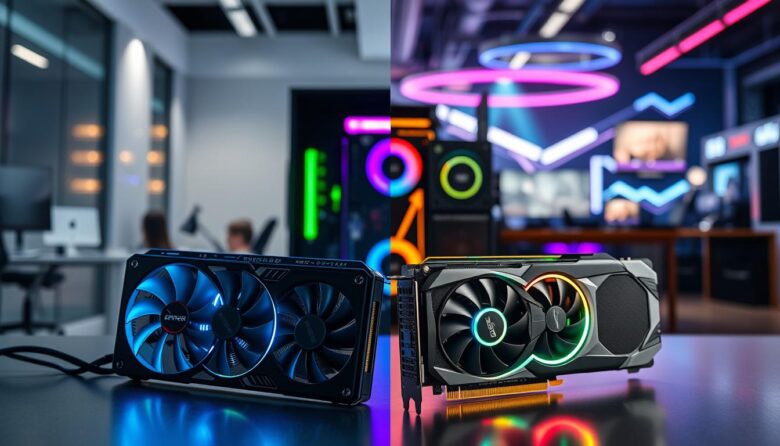
I often weigh whether to pick a card built for professional work or one tuned for fast frame rates. I test both sides: a true pro option like the NVIDIA RTX 6000 with 48GB of GDDR6 memory, and a fast consumer rig such as the ZOTAC GeForce RTX 4080 Super AMP that runs at 2295MHz.
In my view, the difference comes down to design goals. Workstation GPU hardware focuses on stability, certified drivers, and accuracy for video editing and 3D rendering. Gaming-oriented cards chase high frame rates, visual fidelity, and raw speed.
Choosing right means matching hardware to tasks. If you need error-free rendering and large datasets, the pro card wins. If you want the best gaming experience with high frame performance, a consumer GeForce or Radeon will likely be more cost-effective.
Key Takeaways
- Pro cards like the RTX 6000 prioritize memory and certified drivers for complex workflows.
- Consumer cards such as the ZOTAC RTX 4080 Super AMP favor high clock speeds and frame rates.
- Match your choice to tasks: stability for editing, speed for immersive play.
- Specialized drivers and architecture affect real-world performance across uses.
- Consider cost, software support, and future workloads before you buy.
Understanding the Core Differences Between Workstation vs Gaming GPUs
I break down the hardware and software that make professional cards different from consumer-focused models.
Precision and stability drive pro designs. Many workstation gpu boards use ECC memory to protect data integrity during long renders and simulations. That matters for modeling, engineering, and high-end video editing.
Certified drivers are another clear split. Vendors tune drivers for professional applications like AutoCAD and SolidWorks. Those drivers reduce errors and ensure consistent outputs under heavy loads.
“The AMD Radeon Pro W7900 with RDNA 3 shows how architecture can favor 3D rendering performance for pro use.”
- Gaming cards emphasize frame rates and higher clock speeds, often with RGB and aggressive BIOS profiles.
- Pro cards sacrifice flashy extras for tested reliability and long-term support.
- Cost reflects that testing: workstation gpu options typically carry a premium for certification and validation.
Technical Architecture and Driver Optimization
Let’s look under the hood to see why architecture and driver policy matter for demanding workflows. I focus on two pillars: memory integrity and certified software support. Both shape how a card behaves during long jobs.
The Role of ECC Memory
ECC memory detects and corrects bit errors during heavy workloads. I have seen this prevent silent corruption in long renders and simulations.
Pro cards use ECC to protect complex models and scientific datasets. Consumer cards skip ECC to push higher clock speeds and reach top frame rates faster.
Certified Drivers for Professional Software
Certified drivers go through application testing and vendor validation. I rely on them for stability in tools like CAD and compositing suites.
Gaming drivers are updated often to boost ray tracing and high frame performance, but they lack certification for many pro applications.
“Certified drivers and ECC together are the safety net that keeps long renders accurate and reproducible.”
| Feature | Pro-oriented Cards | Consumer-oriented Cards |
|---|---|---|
| Memory type | ECC capable (error correction) | Non-ECC (higher bandwidth) |
| Driver certification | Rigorous testing for professional applications | Frequent updates for games and new driver features |
| Typical examples | AMD Radeon Pro W7700, workstation gpu models | Asus TUF Gaming Radeon RX 7900 XTX, GeForce RTX series |
| Primary benefit | Precision and stability for rendering | Peak frame rates and gaming performance |
Performance Expectations in Professional and Gaming Environments
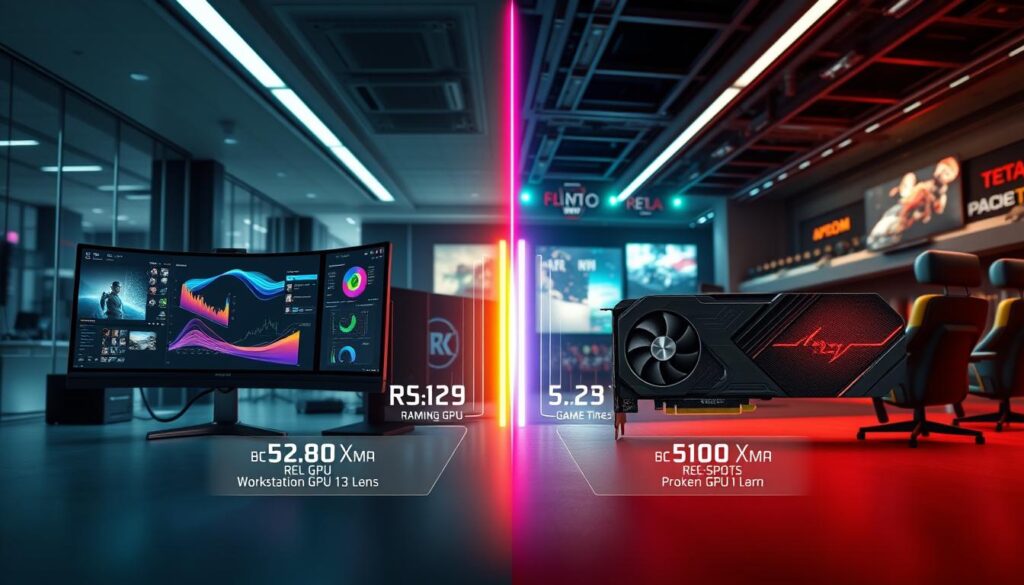
I test cards in real applications to see where each design shines. My focus is on how precision, memory, and sustained load affect real-world performance.
Prioritizing Raw Speed Versus Computational Precision
Workstation cards are built to handle demanding computational tasks like scientific simulations and complex 3D modeling. I rely on them when accuracy matters more than burst speed.
Gaming models, such as the GIGABYTE AMD Radeon RX 7900 GRE, push for high frame rates and fast response. They excel at ray tracing and high-resolution textures.
For video editing, larger memory on a workstation gpu helps with multi-stream timelines and heavy effects. That extra capacity keeps renders stable over long sessions.
- Power draw is higher on pro-oriented cards because they run continuous, heavy professional tasks.
- Gaming cards deliver top speed for short bursts but may lack long-term stability in certified applications.
“The real gap is whether you need peak frame speed or professional-grade accuracy.”
| Use Case | Pro Card Strength | Gaming Card Strength |
|---|---|---|
| Rendering & simulation | Precision, ECC memory, stable drivers | Less suited for long, error-free runs |
| High frame rates | Good but lower peak speed | Optimized clocks, ray tracing, Geforce RTX examples |
| Video editing | Better multi-stream handling (AMD Radeon Pro W7900) | Fast scrubbing, texture detail |
The Reality of Hardware Interchangeability
Hardware can be more flexible than marketing suggests, but swapping parts brings real trade-offs. I tested both sides and found that drivers, BIOS, and cooling often determine success more than raw numbers.
Using workstation Cards for Gaming
I have installed pro-grade cards into desktop rigs for play. They run games fine, but specialized drivers are not tuned for the latest titles.
Result: stable rendering features stay intact, but you may miss optimizations that boost high frame rates.
Gaming GPUs in Professional Workflows
Many creators use gaming cards for editing and 3D work to save money. That works for many tasks, but you lose ECC and certified drivers that protect data integrity during long renders.
Bottom line: you gain speed and lower cost, but sacrifice some precision and support for professional applications.
Thermal and Power Considerations
Power draw and thermals are crucial. Pro boards accept higher continuous loads, while consumer cards favor short bursts of speed.
- I noticed gaming cards run hotter under sustained studio loads.
- High power use on pro models is a trade-off for long-term stability.
“Interchangeability exists, but drivers and cooling define whether the swap is practical or painful.”
Final Verdict on Choosing Your Ideal Graphics Card
Choosing the right graphics card boils down to what you actually do each day. If your work demands absolute precision, certified drivers, and long, error-free renders, a workstation choice is the best investment for your career.
For most players and general users, a gaming card delivers the best value. You get excellent performance and high frame rates at a lower cost, making it ideal for video and everyday use.
If you need both, consider a high-end gaming option but know the trade-offs: less ECC, different driver support, and limits under heavy professional workloads. I recommend matching hardware to your primary applications to boost productivity or enjoyment.
Pick the card that fits your routine, and it will pay off in performance and peace of mind.
FAQ
What’s the main difference between workstation and gaming video card architectures?
I see the core difference as purpose-built hardware and software. Workstation cards like NVIDIA RTX A-series or AMD Radeon Pro focus on numerical precision, stability, and certified drivers for apps such as SolidWorks, Maya, and Adobe Premiere Pro. Consumer cards like NVIDIA GeForce RTX or AMD Radeon RX emphasize high frame rates, low latency, and features for smoother gameplay. Both use similar silicon, but firmware, memory options, and driver tuning make their behaviors diverge.
Do ECC memory and other reliability features matter for creative professionals?
Yes. ECC and error-checking reduce silent data corruption during long renders, simulations, or scientific computations. If I depend on bit-exact results or large datasets in modeling, ECC provides peace of mind. For casual video editing or gaming, ECC is rarely necessary and adds cost and, sometimes, minor performance overhead.
How important are certified drivers for professional applications?
Certified drivers are crucial when I need guaranteed compatibility and predictable output. Software vendors test and approve drivers for workstation cards to prevent crashes, visual artifacts, and workflow disruptions. If my work involves client deliverables or complex scenes, certified drivers can save time and headaches compared with consumer drivers optimized for frame rates.
Should I choose raw speed or numerical precision for my workload?
I balance needs: if I prioritize high frame rates and real-time playback (for game creation or live streaming), I pick cards tuned for throughput. If my tasks require accurate ray tracing, large simulations, or scientific compute, I favor precision and stable drivers. Often the right pick blends both—some pro cards offer competitive speed with certified stability.
Can I use a workstation card for gaming?
Yes. Workstation cards will run games and often offer excellent visual quality. However, they may cost more, lack gaming-focused driver optimizations like NVIDIA Game Ready features, and sometimes deliver lower frame rates per dollar than consumer cards. I’d only choose a pro card for gaming if I also need its professional features.
Are consumer gaming cards suitable for professional workflows?
They can be, depending on the task. A GeForce RTX or Radeon RX performs well in GPU-accelerated editing, VFX, and many 3D tasks. But they may lack certified drivers, ECC, and extended support. For mission-critical projects or software with vendor certification requirements, I’d favor pro-grade hardware.
How do thermal and power considerations affect my selection?
Both card types can demand high power and produce heat. I check TDP ratings, recommended PSU wattage, and case airflow. Workstation cards sometimes use blower-style or passive coolers for multi-GPU racks, while gaming cards emphasize RGB and large fans for single-PC setups. Good cooling prevents throttling and preserves long-term performance.
What about ray tracing and AI acceleration—do pro cards or consumer cards do it better?
Both families support hardware ray tracing and AI cores, but tuning differs. GeForce and Radeon consumer models target real-time ray tracing in games and have drivers tuned for those APIs. NVIDIA’s pro lineup exposes robust CUDA, OptiX, and certified acceleration for rendering engines. I choose based on the renderer or AI framework I use most.
How should budget influence my decision between the two types of cards?
I weigh cost versus the value of reliability and support. Consumer cards typically deliver the best price-to-frame-rate ratio. If my work demands reliability, certified drivers, or ECC, spending more on a pro card can be justified by fewer interruptions and more accurate results. For mixed usage, a high-end consumer card often offers the best compromise.
Can driver updates change my card’s behavior significantly?
Absolutely. Driver updates can improve performance, fix bugs, or add features. Pro drivers tend to change less frequently and undergo more app testing; consumer drivers release often with game optimizations. I keep drivers aligned with my primary software to avoid regressions and to benefit from stability or performance patches.
Are there situations where I should use both types in one system?
Yes. In multi-GPU workstations or render nodes, I’ve used pro cards for compute precision and a consumer card for display and real-time tasks. Compatibility and driver mixing can be tricky, so I verify vendor guidance and ensure the OS and workstation software support mixed configurations before deploying them.
Which brands and series should I consider for professional use and for high frame-rate gaming?
For professional use I look at NVIDIA RTX A-series and AMD Radeon Pro lines for certified performance and support. For high frame rates and gaming-focused features, NVIDIA GeForce RTX 40/30-series and AMD Radeon RX 6000/7000-series often lead on value and real-time features. Brand choice also depends on the software ecosystem I rely on and vendor-specific tools like NVIDIA Studio drivers or AMD’s ROCm support.

Ethan is a lead GPU reviewer and hardware analyst with a passion for pushing silicon to its absolute limits. With a background in computer engineering, he spends his days building custom test benches, analyzing frame-time graphs, and breaking down complex GPU architectures. When he’s not benchmarking the latest NVIDIA and AMD releases for VN Pixel, he is likely tweaking his custom-loop water-cooling setup to achieve the perfect overclock.